


Question

Nothing on menu configuration>Commandes>Notifications

  • December 12, 2023
  • 9 replies
  • 143 views

postic
Forum|alt.badge.img+2

Hello,

In my context, I'm trying to create email alerts.

So I need to change something in the notification commands.

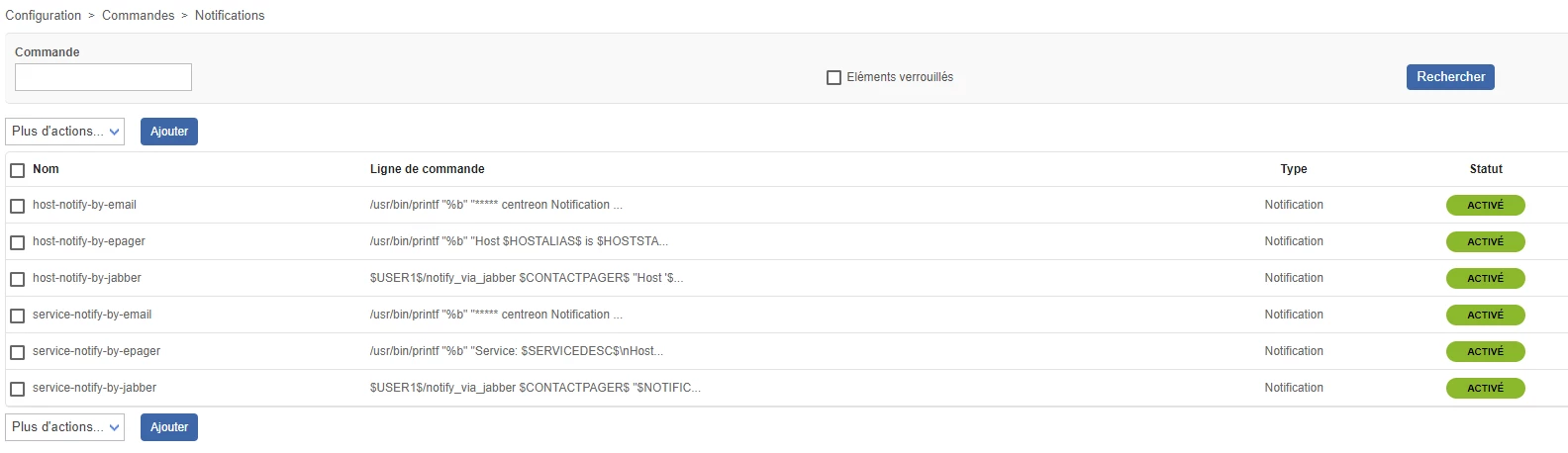
But unfortunately, when I click on a command in the configuration>Commands>Notifications section, the page doesn't load.

Have you ever had this problem?
 

9 replies

ponchoh
Centreonian
Forum|alt.badge.img+14
  • Centreonian
  • December 12, 2023

If you haven’t, can you try clear the cache for symfony


su - apache -s /bin/bash -c "/usr/share/centreon/bin/console cache:clear"

also the one of your browser, or try incognito.


postic
Forum|alt.badge.img+2
  • Author
  • Steward *
  • December 12, 2023

sorry but i don’t have apache user

Is it normal?


postic
Forum|alt.badge.img+2
  • Author
  • Steward *
  • December 12, 2023

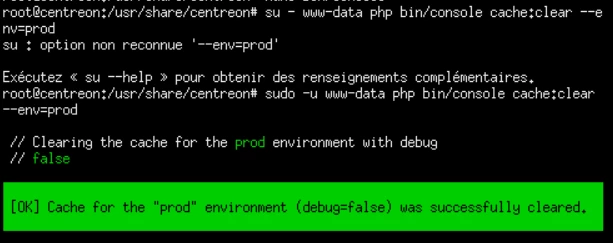
I've just run the command with the www-data user.

But still no improvement.

When I click on a notification command, nothing is displayed


ponchoh
Centreonian
Forum|alt.badge.img+14
  • Centreonian
  • December 12, 2023

That is fine about the user, you are on Debian? did you try the incognito/prive browser? a different admin user?


Forum|alt.badge.img+1
  • Steward *
  • December 13, 2023

Hello,

I have the same problem, I cleared the Symfony cache of my browser, tried in private browser with two different administrator accounts and still nothing. I’m on Debian. Do you have any other ideas? 

Thanks,

Opaline MARTIN


Forum|alt.badge.img+3
  • Steward **
  • December 13, 2023

Hi, 


Same bug here ! I cleared Symfony cache, tried into private navigation. 


I’m on Debian 11, on fresh install. 


I am keeping my finger crossed that someone have a response… 


Regards, 


Florian


Forum|alt.badge.img+3
  • Steward **
  • December 13, 2023

Good morning,

After searching in one of the previous topics that I opened, and retracing the path, I found the solution...

Following the last update it seems that one of Centreon's vital folders has been renamed.

The path /usr/lib/nagios no longer exists. It is replaced by the path /usr/lib/centreon.

The following modifications must therefore be made:
Edit the lines in /etc/centreon/instCentWeb.conf and /etc/centreon/instCentPlugins.conf
=> PLUGIN_DIR=/usr/lib/nagios/plugins to PLUGIN_DIR=/usr/lib/centreon/plugins

In the CENTREON web interface, go to settings > supervision > modify the probes directory by /usr/lib/centreon/plugins

Happy editing everyone!


Forum|alt.badge.img+1
  • Steward *
  • December 13, 2023

Bonjour,

Merci Florian, cela fonctionne pour moi aussi après modifications.

Opaline


postic
Forum|alt.badge.img+2
  • Author
  • Steward *
  • December 14, 2023

Hello,

Your message made me realise that in the Settings>Supervision tab, I had a file path that was no longer correct following a change to the name of a folder.

Thank you very much for your help Florian