
Hello, after multiple struggles i have no idea what i did wrong/
So i’m using Alma 9, Centreon 24.10, Mariadb 10.11 on Hyper-V.
Selinux is disabled, the local firewal disableed too.
It’s a stanalone type (so only one poller “central”)
After installing Centreon following the official documentation, the central poller does not appear as running in the web UI (Configuration > Pollers):

MariaDB is accessible via “centreon” user
Centreon port is listening
i already tried this :
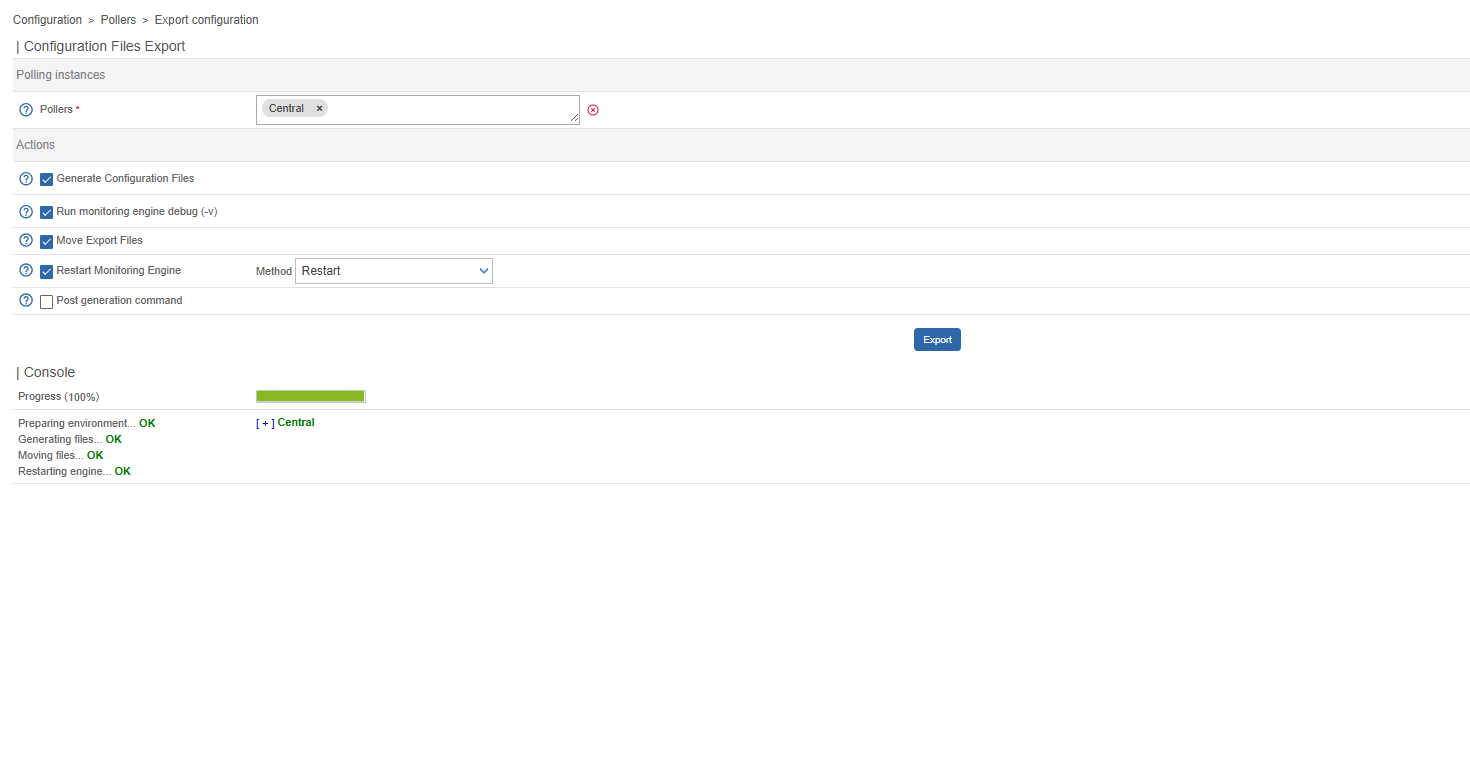
Configuration > Pollers > Export configuration Checked "Move generated files" and "Restart Engine"
Checking for errors in the logs on cbf, dentengine, and gorgone, see nothing
So, Why does the central poller still show "Is running: NO" even though all services are running and there are no apparent errors?
What additional steps should I check to ensure the poller is correctly detected by Centreon?
I’m pretty sure that my mistake is dumb but I have no idea what I did wrong.
Thank you by advance,
Théo