Hello,
I am facing an issue on a fresh installation of Centreon 25.10 running on Red Hat Enterprise Linux 9.7.
Context
-
Centreon installation: fresh install / from scratch
-
OS: RHEL 9.7
-
Connector in use: Windows NSClient05 RestAPI
-
License: IT-100
-
Plugin Pack installed online from the web interface
-
Goal: use Windows disk discovery
Issue observed
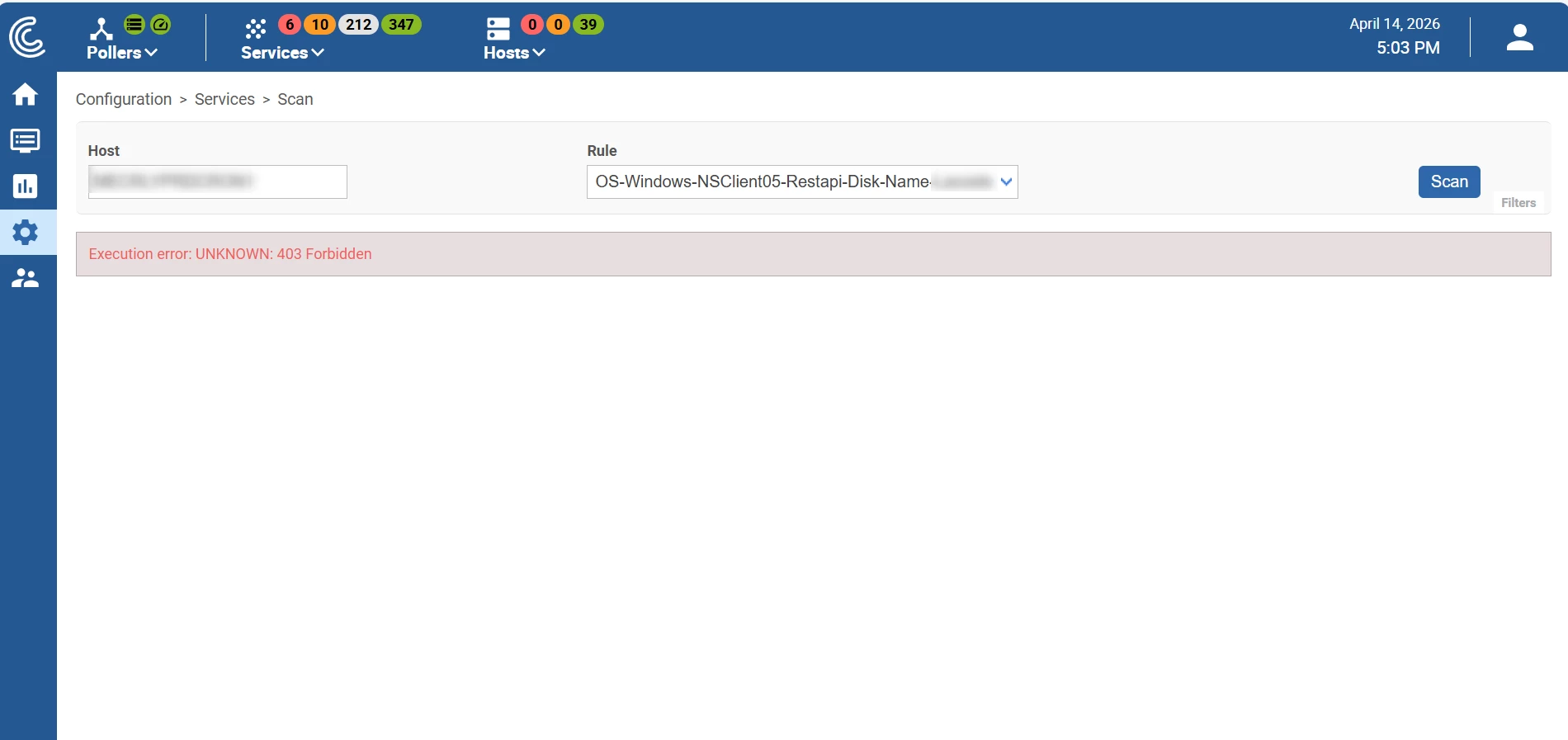
When I open the discovery rule:
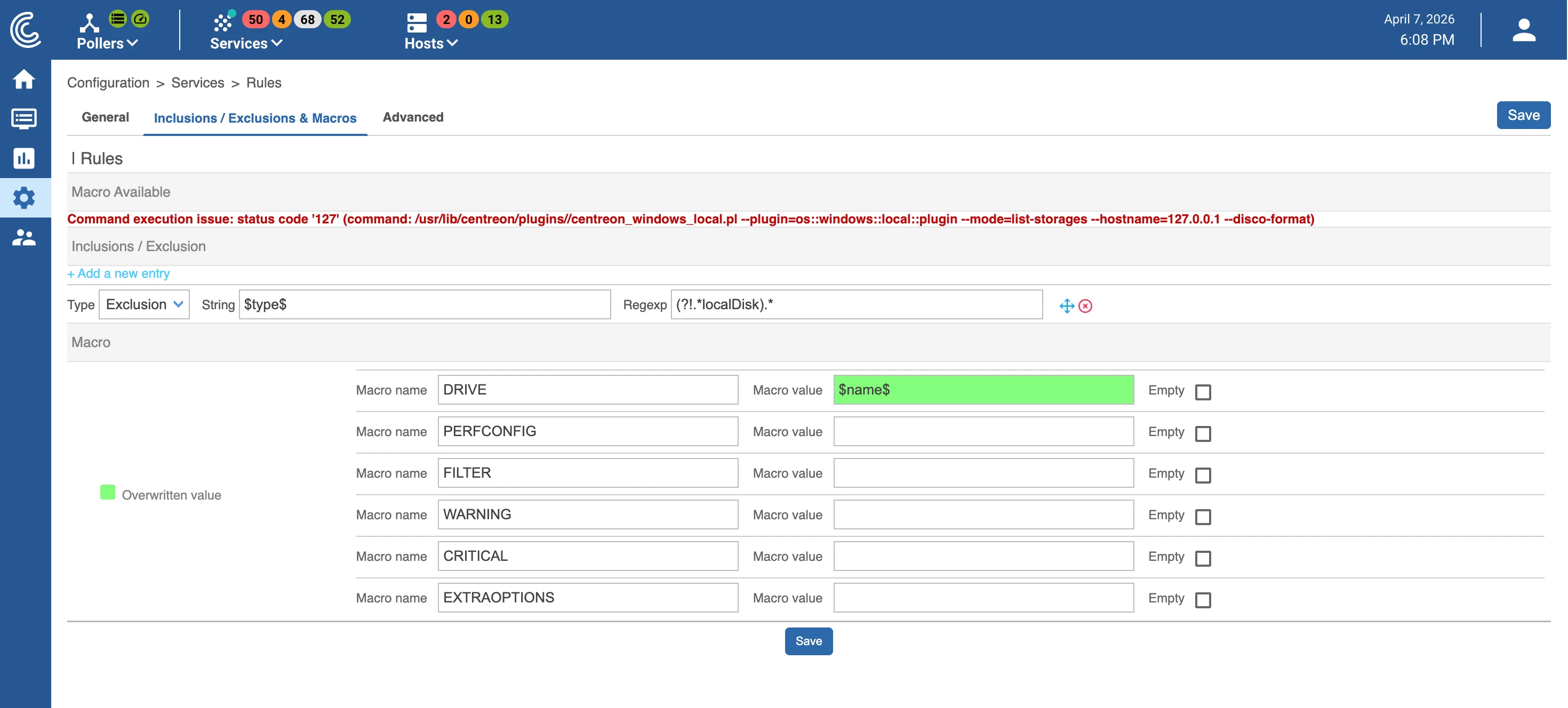
OS-Windows-NSClient05-Restapi-Disk-Name
I get the following error in the Centreon web interface:
Command execution issue: status code '127'
(command: /usr/lib/centreon/plugins//centreon_windows_local.pl --plugin=os::windows::local::plugin --mode=list-storages --hostname=127.0.0.1 --disco-format)
Checks already performed
The script called by the rule does not exist on the server:
ls /usr/lib/centreon/plugins/centreon_windows_local.pl
# ls: cannot access '/usr/lib/centreon/plugins/centreon_windows_local.pl': No such file or directory
The following plugin package is already installed:
dnf install centreon-plugin-Operatingsystems-Windows-Restapi
# Package centreon-plugin-Operatingsystems-Windows-Restapi-20260300-1.el9.noarch is already installed.
How can I download the script file ?