Solved

duplicated service_id for many services at configuration export.

  • November 27, 2023
  • 7 replies
  • 121 views

Forum|alt.badge.img+7


i’ve strange issue.

i noticed i have many services with same service_id on database.


if i clear database, those can recreated with same service_id from services.cfg after export.


How or where can i clean it?


Best answer by vcoum

That seems OK
If i assumed correctly your messages, the service with tyhe ID 6384” was named “Configuration”?
You can check in the database if “Configuration” is present at the ‘service’ table from centreon database with this SQL query

SELECT service_id,service_description FROM centreon.service WHERE service_description='Configuration';

#OR

SELECT service_id,service_description FROM centreon.service WHERE service_id='6384';

Maybe something gone wrong when you deleted it from GUI

If it’s still present and if you want to remove it, remove it using the id 

DELETE from centreon.service WHERE service_id='6384';

And then, export the config on poller et check if the service is still present on services.cfg

7 replies

vcoum
Centreon Lord Commander
Forum|alt.badge.img+13
  • Centreon Lord Commander
  • November 27, 2023

Hello,

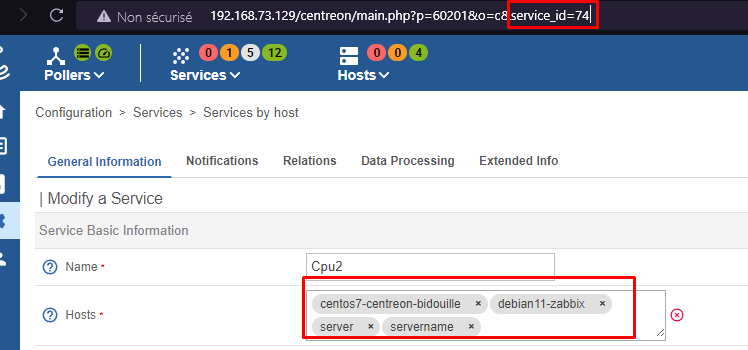
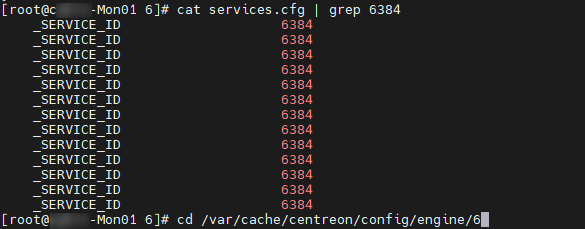
In Centreon you can link one service to multiple hosts, and the service will be replicated in the services.cfg, with the same ID. That’s normal


Does the concerned service (with the id 6384) is linked to multple host?

Regards


Forum|alt.badge.img+7
  • Author
  • Steward **
  • November 27, 2023

i deleted those services from gui: “services by host” section filtered by name


but those services are always present into services.cfg file even if i export the configuration.


After export configuration task, it write values on centreon_storage.index_data table.


other thing:

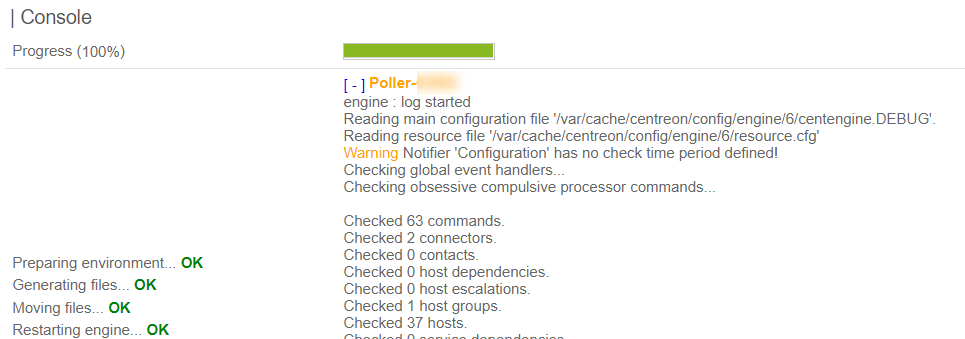
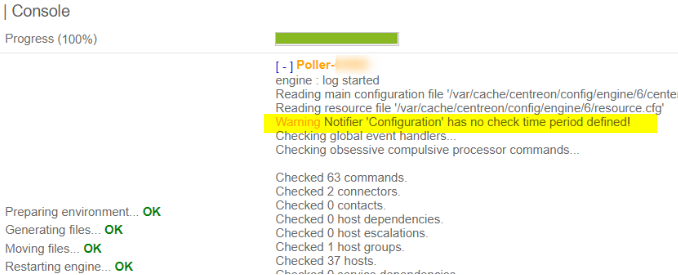
the notifier message was related at service i mentioned before: “Configuration”


i think it’s a dirty value, but i can’t find where is the data referred to.


vcoum
Centreon Lord Commander
Forum|alt.badge.img+13
  • Centreon Lord Commander
  • November 27, 2023

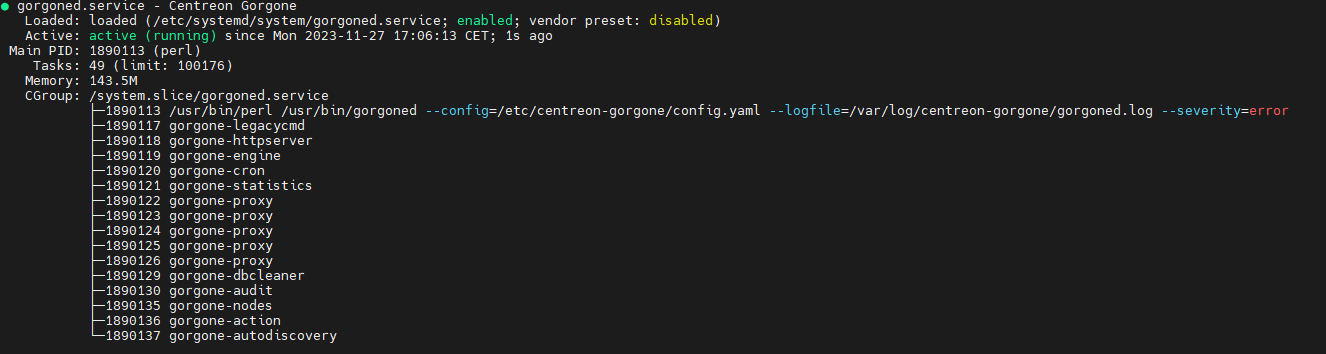
If the deleted service is still present in “services.cfg” even after export, maybe there is a problem with Gorgone service. Even if the export seems OK on GUI, if there is a problem with Gorgone on your poller or central, the export doesn’t apply

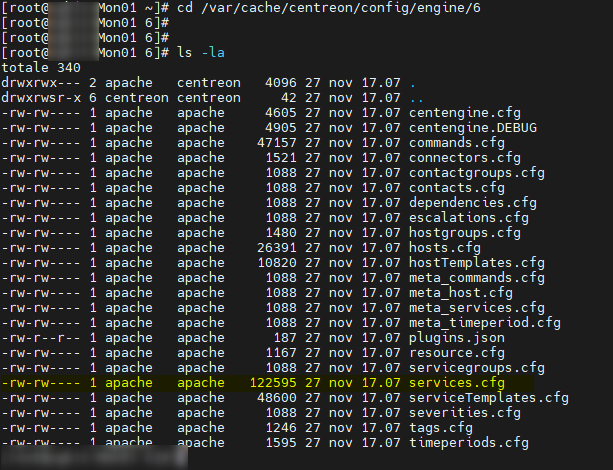
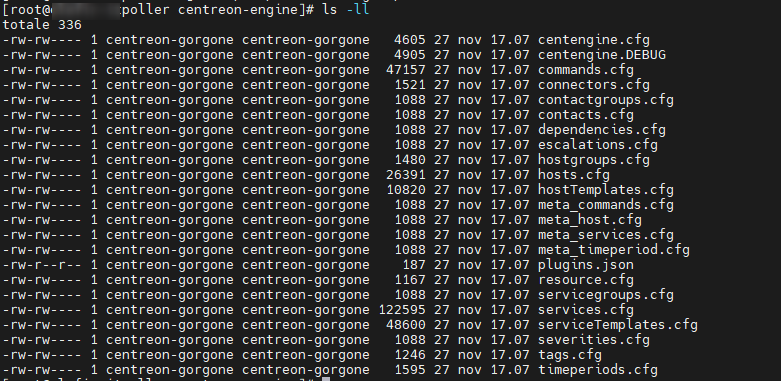
Can you check the last modification date of your services.cfg on your poller and check if it match with the last configuration export you did?


Even if there is no modification done on the GUI, this value change for each export (if it works)

If not, check the state of the gorgone service (on poller and Central)

systemctl status gorgoned


Forum|alt.badge.img+7
  • Author
  • Steward **
  • November 27, 2023

central > gorgoned restarted

poller > gorgoned restarted

from central


poller


vcoum
Centreon Lord Commander
Forum|alt.badge.img+13
  • Centreon Lord Commander
  • Answer
  • November 27, 2023

That seems OK
If i assumed correctly your messages, the service with tyhe ID 6384” was named “Configuration”?
You can check in the database if “Configuration” is present at the ‘service’ table from centreon database with this SQL query

SELECT service_id,service_description FROM centreon.service WHERE service_description='Configuration';

#OR

SELECT service_id,service_description FROM centreon.service WHERE service_id='6384';

Maybe something gone wrong when you deleted it from GUI

If it’s still present and if you want to remove it, remove it using the id 

DELETE from centreon.service WHERE service_id='6384';

And then, export the config on poller et check if the service is still present on services.cfg


Forum|alt.badge.img+7
  • Author
  • Steward **
  • November 27, 2023

BINGO! Thank you very much.

:)

SOLVED

i found a great community


fgbetokpanou
Centreonian
Forum|alt.badge.img+11
  • Centreonian
  • November 28, 2023

BINGO! Thank you very much.

:)

SOLVED

i found a great community

@Fanto Glad to hear you say that! And a heartfelt thank you to @vcoum for his help!