




Please note that the only procedures supported and maintained by Centreon are those published in the official documentation. If you have a question about this article, post it in the comments.
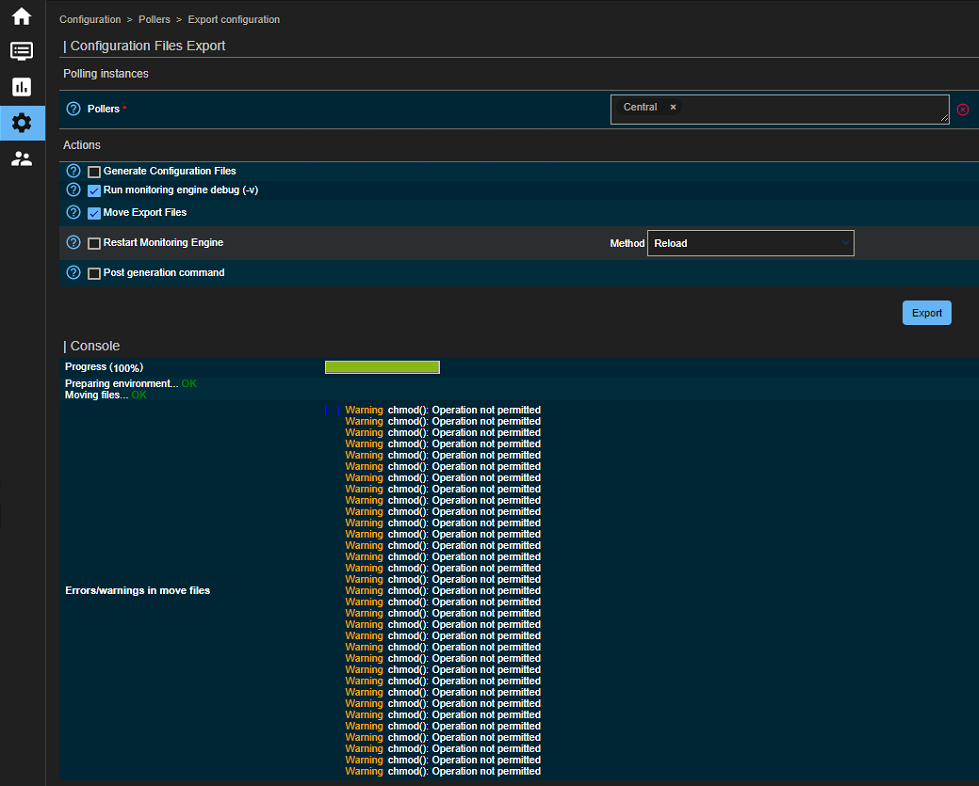
This error message appear until 22.04 since you exporting the configuration and it is an inssuficiency of privilege.
How to solve the problem
Solution Centos/RedHat
- Check permissions:
ll /etc/centreon-engine/

ll /etc/centreon-broker/
- As you can see apache isn’t the owner
Here is the commands to solve:
chown apache:apache /etc/centreon-engine/*

chown apache:apache /etc/centreon-broker/*
For Debian it’s www-data, not Apache
su - apache -s /bin/bash -c umask
- If the issue isn’t solved, check the permissions here:
ll -R /var/cache/centreon/config/

ll -R /var/cache/centreon/symfony
Apache should be the owner aswell.