



📖 Read the full announcement: English version | Version française
Here’s a quick tour of what’s new.
Deploy a poller with one command
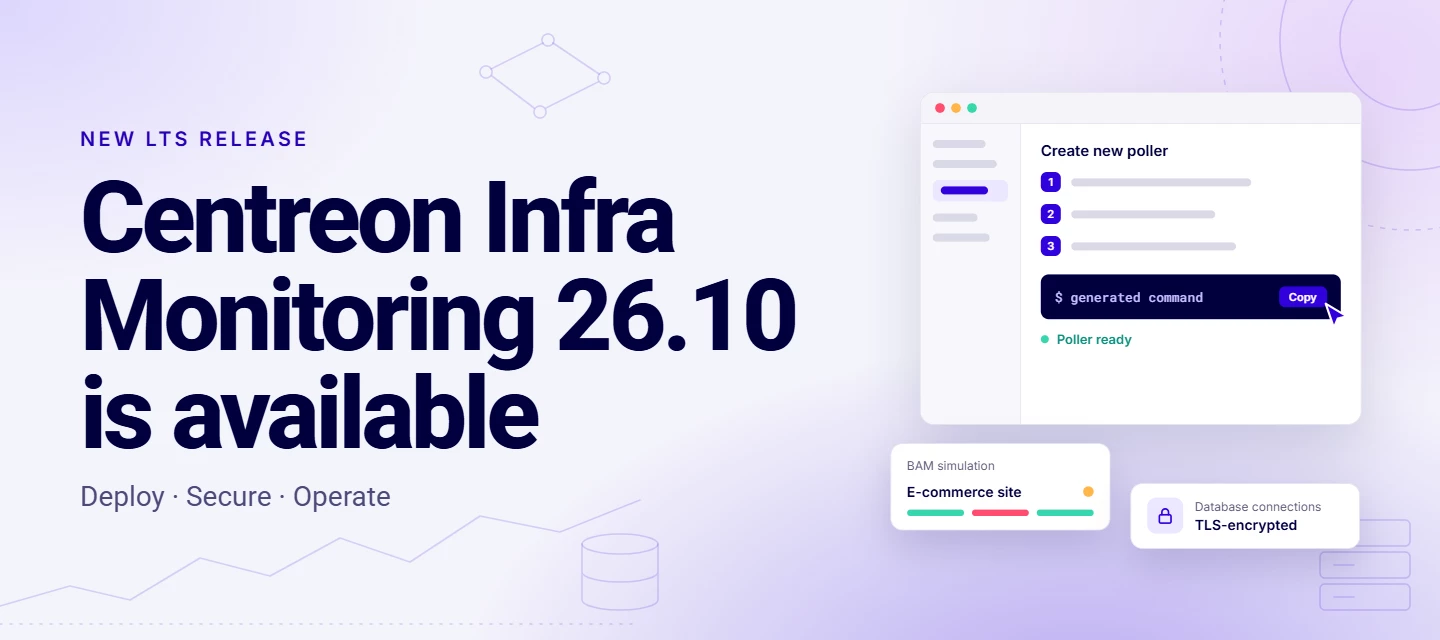
A new wizard in the header generates the install command for you: enter the poller’s name and IP, choose packages or containers, copy the command, run it. The same command also updates the poller.
- Containerized pollers: the containers option generates a Docker Compose file. Updating means pulling the new image.
- Centreon Monitoring Agent: one-command install on Windows and Linux, automatic host registration, and certificates generated by the platform (also available from 25.10.14).
TLS encryption on every database flow
All flows to the database can now be encrypted in TLS, including from the Central / Remote Server and Centreon MAP. Your configuration and monitoring data no longer travel in clear text.
Business Activity Monitoring, redesigned
- Build your whole impact tree in one screen, starting from the application.
- Test your rules with the BAM simulator (a community request!) before going to production.
- Sync your business activities with your CMDB through the new documented APIs.
- Spot the root cause faster with new icons in the real-time view.
And also
- A new look aligned with the Centreon Observability Platform
- Faster dashboards and Resource Status
- Easier MBI report scheduling and a new MBI widget
- Monitoring Connectors for Centreon Log Management and Centreon Experience Monitoring
Your ideas, shipped
Many of these changes come straight from The Watch: Matrix42 provider, IDs in the Resource Status CSV export, Notes and Action URL columns in the Resource Table widget, Auto Discovery and BAM API docs, the BAM simulator, and macros within macros. Thank you for your ideas, and keep them coming in the Ideas section!
What’s next?
With 26.10 out, versions 24.10 and 25.10 move to support phase 3 (security fixes only). It’s a good time to plan your upgrade: check the release notes and upgrade procedures.
🎥 Want to see it live? Join our webinar on November 19 for a demo and Q&A with the product team: Register in English | S’inscrire en français