
Question

why is my global-disk template skipping partitions?

  • April 21, 2022
  • 14 replies
  • 545 views

Forum|alt.badge.img+3

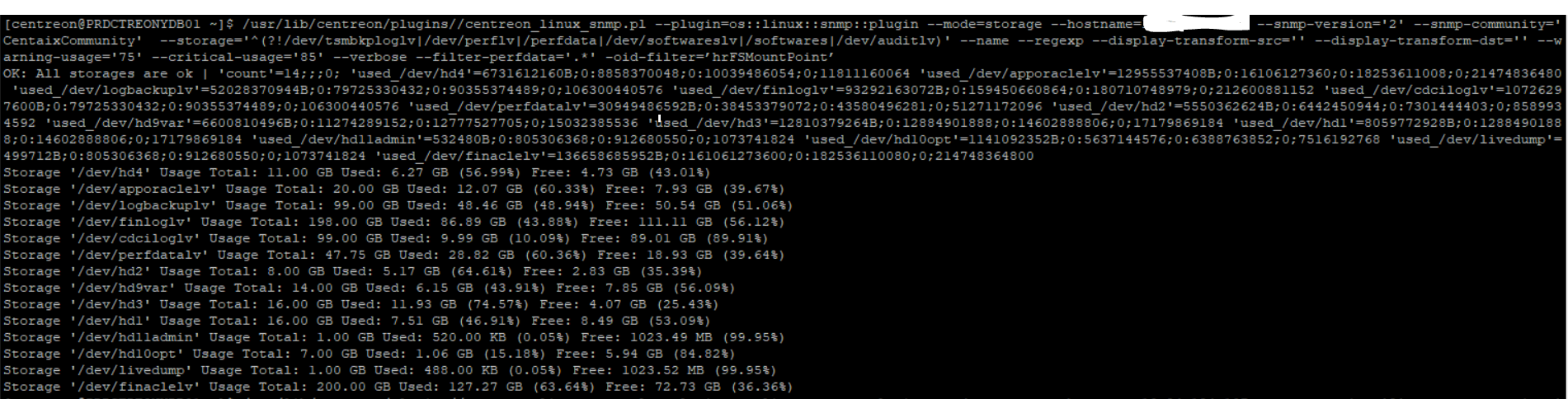
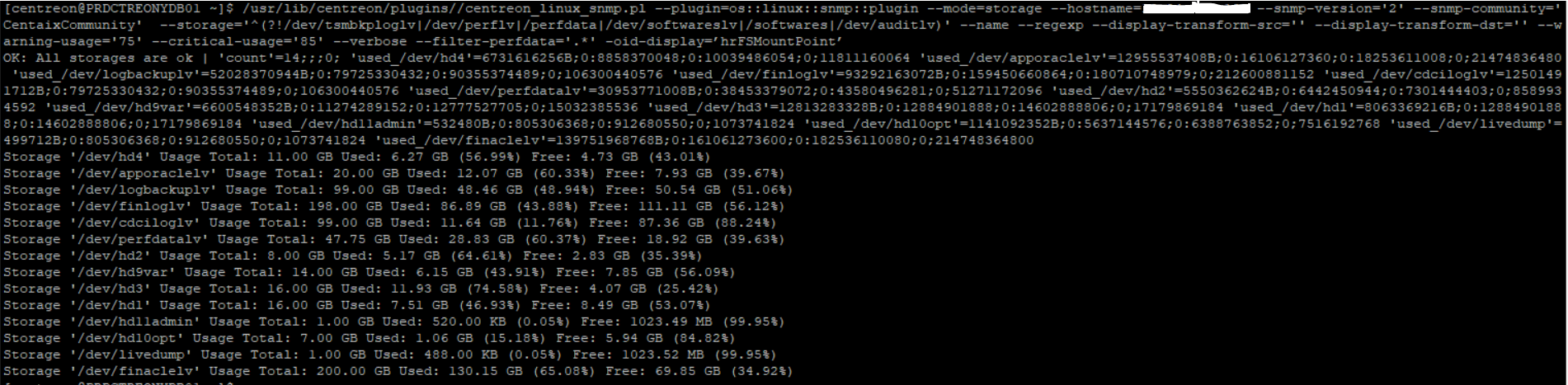
 my global-disk snmp template doesnt show all the disk partitions of the server


Centreon output
Server output


14 replies

Forum|alt.badge.img+16
  • Steward **
  • April 22, 2022

Hello @pooja ,

By default the plugin have some filter on the storage type (--help):

    --filter-storage-type
Filter storage types with a regexp (Default:
'^(hrStorageFixedDisk|hrStorageNetworkDisk|hrFSBerkeleyFFS)$').

So you can first try to add --filter-storage-type=’.*’ in first time to be sure that you can see all your disk.

A snmpwalk like this:

snmpwalk -v 2c -c your_community -ObentU -Cc -On x.x.x.x .1.3.6.1.2.1.25

could help us to see what kind of storage your disks are.

Here all the storage types supported by the plugin:

https://github.com/centreon/centreon-plugins/blob/83d0852bb975fff46bd0af889b04982c7e70257a/snmp_standard/mode/storage.pm#L36


Forum|alt.badge.img+3
  • Author
  • Steward **
  • April 25, 2022

@Kriko 


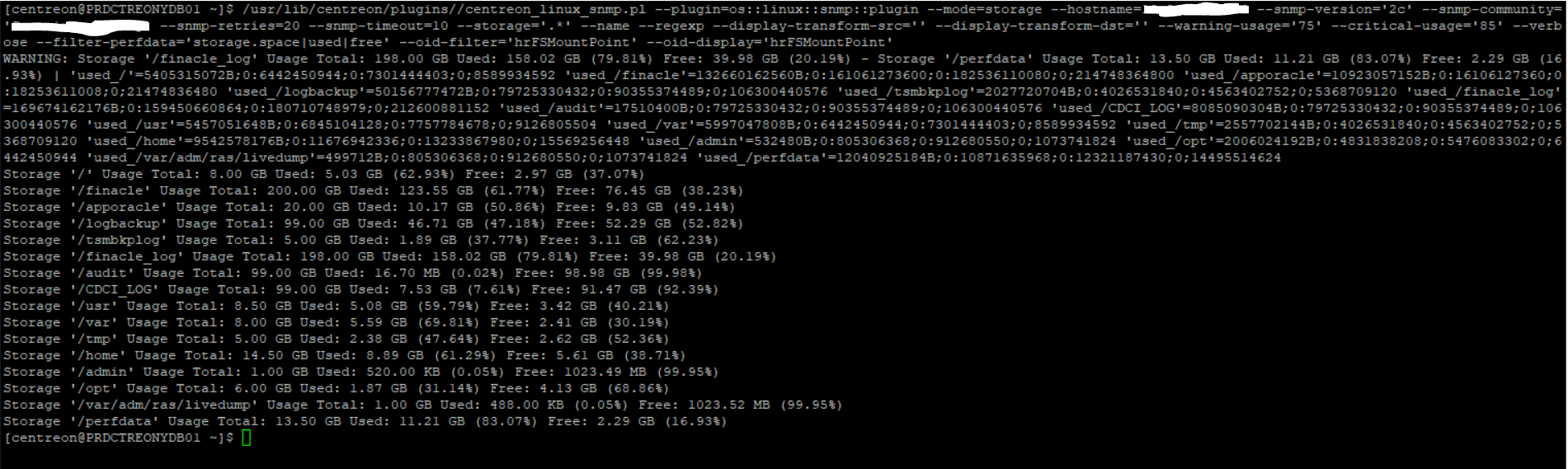
i am able to see all mount points using this branch .1.3.6.1.2.1.25.3.8.1.2  how do i see those in my dashboard? Please help


Forum|alt.badge.img+16
  • Steward **
  • April 25, 2022

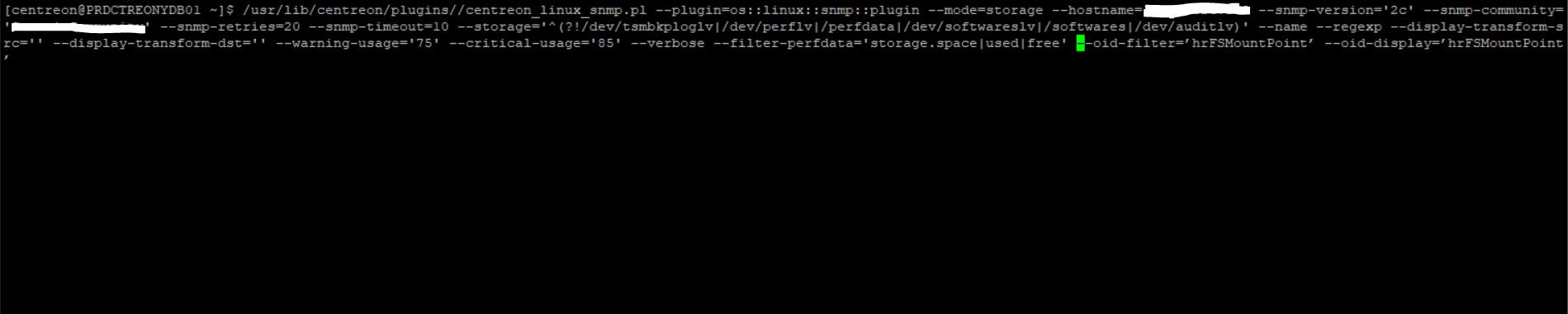
Could you try the option -oid-filter=’hrFSMountPoint’ --oid-display=’hrFSMountPoint’ ?


Forum|alt.badge.img+3
  • Author
  • Steward **
  • April 25, 2022

@Kriko can you tell me how to do that? Command or something


Forum|alt.badge.img+3
  • Author
  • Steward **
  • April 25, 2022

@Kriko @sims24 


using options -oid-filter=’hrFSMountPoint’

-oid-display=’hrFSMountPoint’


Forum|alt.badge.img+16
  • Steward **
  • April 25, 2022

Sorry wrong copy/past.


You need to use these 2 options in the same time and with 2 dash:

--oid-filter=’hrFSMountPoint’ --oid-display=’hrFSMountPoint’ 


Forum|alt.badge.img+3
  • Author
  • Steward **
  • April 26, 2022

Hi @Kriko 


I tried doing this it gets stuck and doesnt return any output


Forum|alt.badge.img+16
  • Steward **
  • April 26, 2022

The quotes of the 2 options --oid-filter look like ` or back quote no ?


Forum|alt.badge.img+3
  • Author
  • Steward **
  • April 27, 2022

sorry my bad but thanks for pointing that out. still no luck


Forum|alt.badge.img+16
  • Steward **
  • April 27, 2022

Ok I see the ‘issue’ now.

But I don’t know why at the moment.

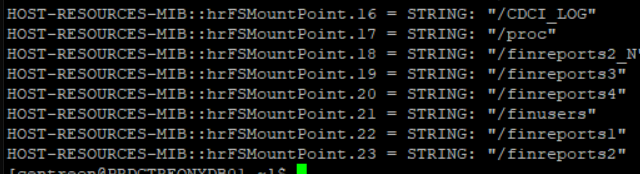
The FS missing in the output of the plugins is the one with no SNMP index:

As you can see, for hrFSStorageIndex.17 to 23, the INTERGER is to 0. It means no index, so the plugin cannot do the link between the FS and the index SNMP. All the missing FS are 17 to 23:


Forum|alt.badge.img+3
  • Author
  • Steward **
  • April 27, 2022

@Kriko not only that when i hit this branch it tells me these are remote mount points i want to monitor those how can i do that?


Forum|alt.badge.img+16
  • Steward **
  • April 27, 2022

All these FS are some network/remote FS ?

Because the plugin doesn’t support this kind of FS.


Forum|alt.badge.img+3
  • Author
  • Steward **
  • April 28, 2022

@Kriko yes these are remote GPFS vfs=mmfs fs, is their any possible way we can monitor these


Forum|alt.badge.img+16
  • Steward **
  • April 28, 2022

Using SNMP i’m not sure.
Using SSH and os::linux::local::plugin I guess we can.