

Hi,
in my Centreon on premise version 25.10.9, if i go the page:
Configuration → Connectors → Monitoring Connectors
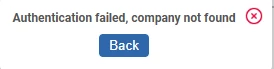
and i click to the botton “Update all”, i get this error:
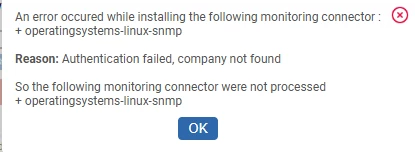
“An error occured while installing the following monitoring connector :
+ base-generic
Reason: Authentication failed, company not found
So the following monitoring connector were not processed
+ base-generic”
while on file /var/log/centreon/license-manager.log a this line appears
[2026-04-07T15:35:24+02:00] ERROR : 0|0|[RestUnauthorizedException] https://api.imp.centreon.com/v2/auth/instance : Authentication failed, company not found | {"custom":null,"exception":null,"default":{"request_infos":{"uri":"/centreon/api/internal.php?object=centreon_pp_manager_pluginpack&action=updateAllPluginPacks","http_method":"GET","server":"10.40.11.150"}}}
The license is an IT100
This issue happened after the upgrade from version 24.* to 25.*
How can i fix this issue?