- Persona : centreon user and specially Business Activities referents
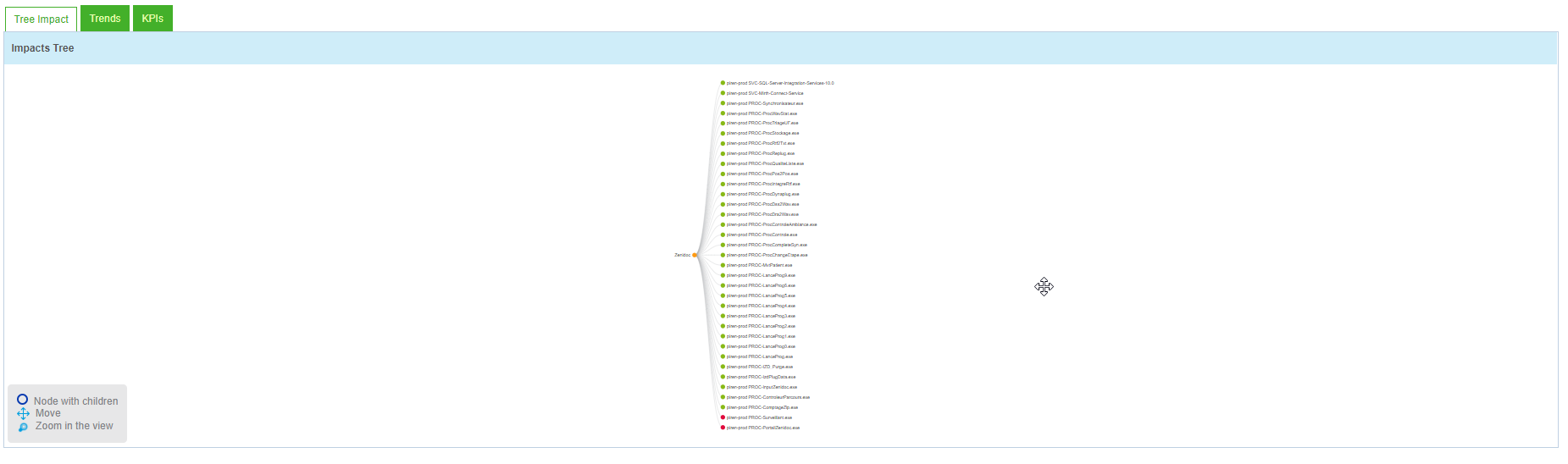
- Problem to solve : The tree impact window is too small and we are not able to increase its size . There is no parameter to do that and obtain for example a scroll bar. So when there are too much KPI we have to zoom out to view all the KPI and specially the one which are at the bottom. It is also not possible to scroll down. We cam move the tree upward and downward but it’s not practical. In addition the window is not totally used.
- Example (my resolution is 1520*1080) : i zoom out to view all the KPI but it’s unreadable
-
- Expected outcome : Increase the window’s size and add a scroll bar

Released
Increase the tree impact Window in Business Activity monitoring
 +2
+2


Login to the community
No account yet? Create an account
Enter your E-mail address. We'll send you an e-mail with instructions to reset your password.